TV Remote
Apple TV remote for Mac
Your TV remote.
Now on your Mac.
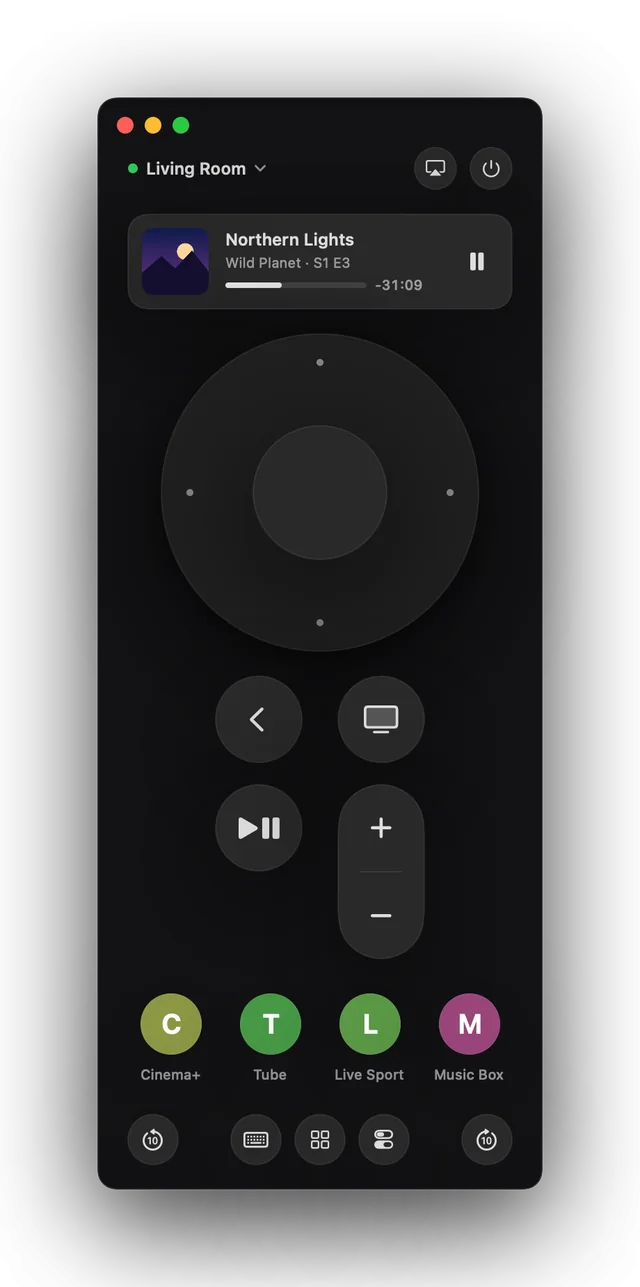
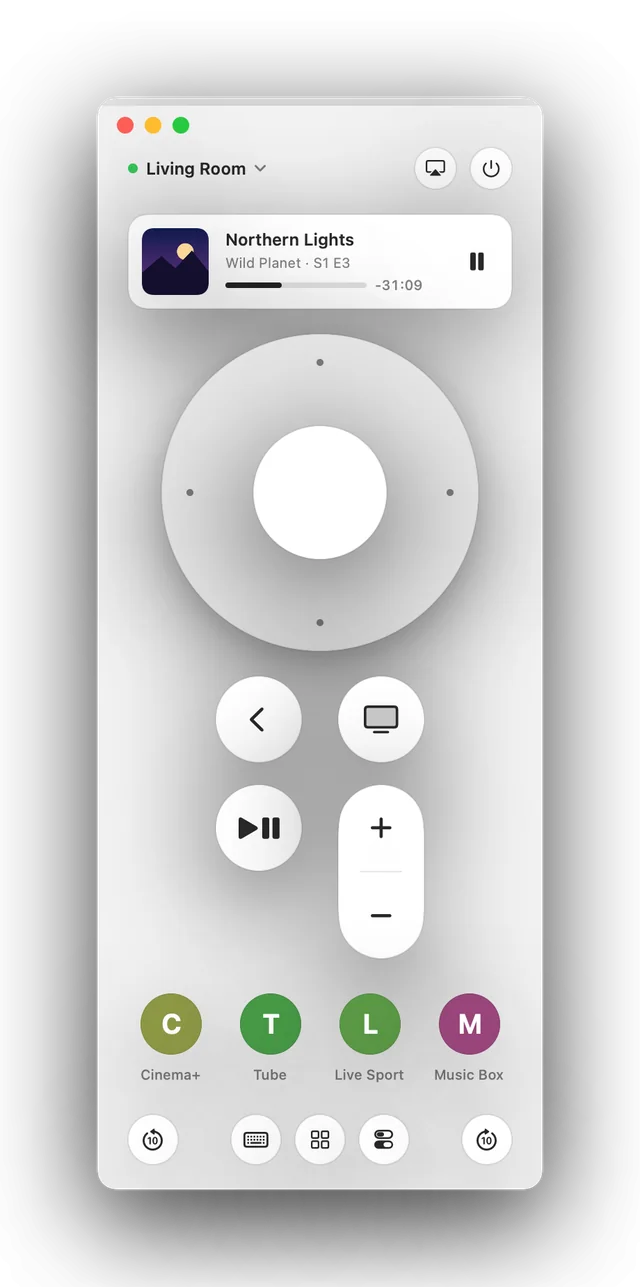
Clickpad, buttons, keyboard and trackpad swipes — the Apple TV remote, right in your menu bar. Requires macOS 14 or later and Apple TV HD or 4K.
- No account
- No tracking
- Menu bar
4
favorite apps
10 s
skip back and forward
0
accounts
0
data collected
Features
The whole remote.
A click away.
Pair once
Enter the four-digit code from your TV. TV Remote reconnects automatically.
A real remote
Clickpad, Back, Home, Play/Pause, volume, skip ±10 s and long presses.
Now Playing
Title, artwork and time remaining. Drag the timeline to seek.
Keyboard
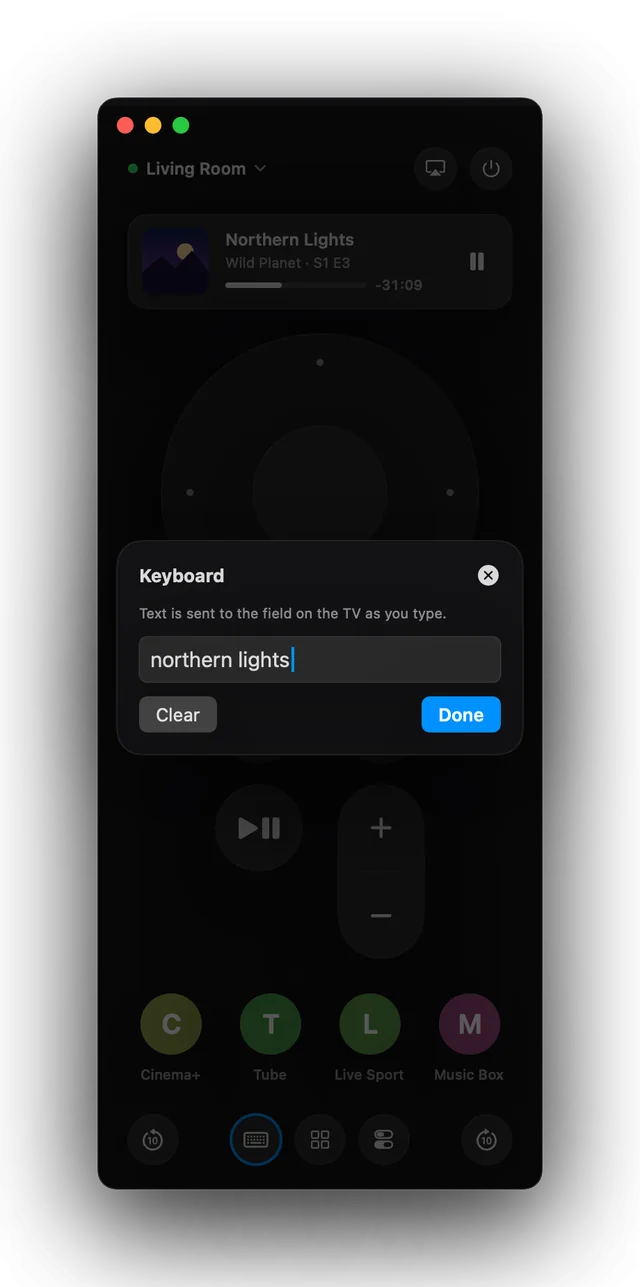
Type into search and sign-in fields with your Mac's keyboard.
Favorite apps
Four buttons for your favorite apps, plus keys 1–4.
Private
No accounts, no tracking. Your Apple TV, controlled directly over your network.
Keyboard
Type with a real keyboard.
The keyboard opens automatically when a text field is active on your TV — in search and when signing in.
- Opens by itself in text fields
- Text goes straight to the TV
- Or open it from the remote
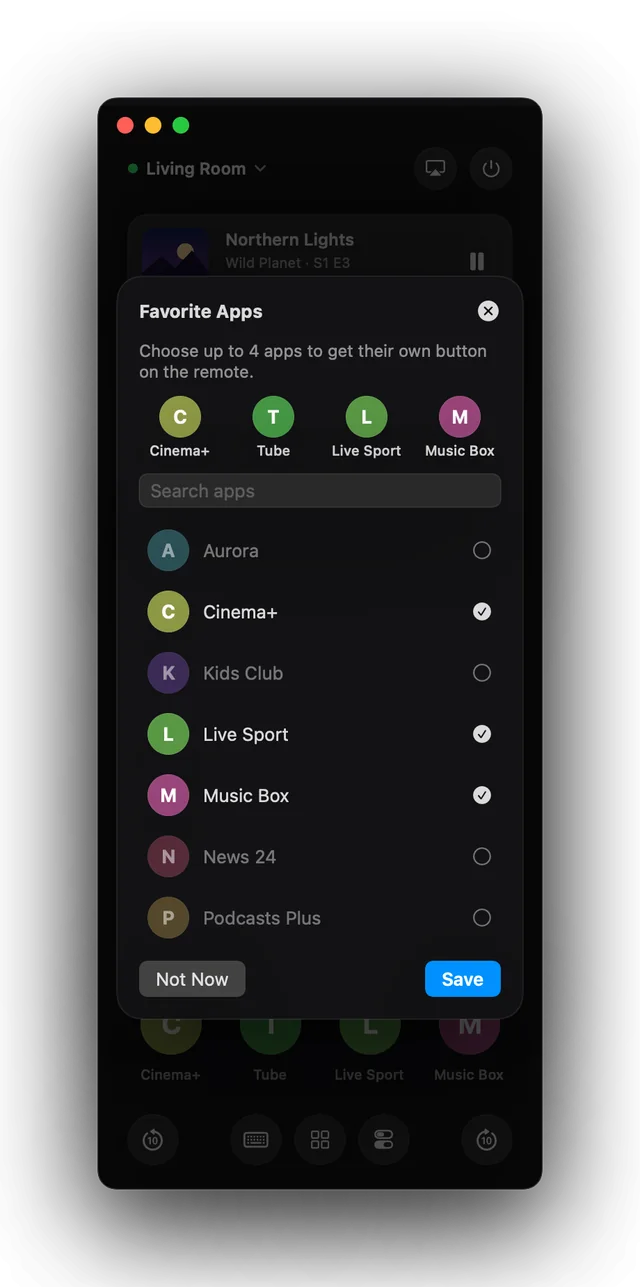
Favorite apps
Four favorites. One click.
Pick them when you first connect, then launch them with one click or with keys 1–4.
- Chosen when you first connect
- Icons from the App Store
- Keys 1–4
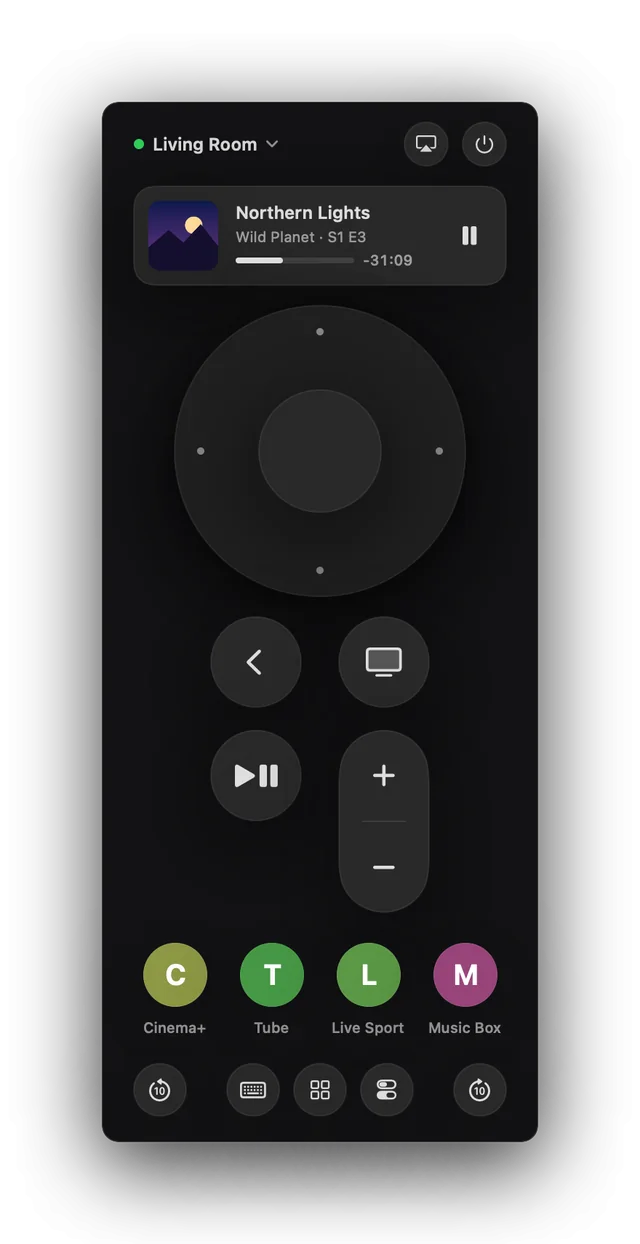
Menu bar
Always one click away.
Open the remote from the menu bar — or from anywhere with ⌥⌘R.
- Lives in the menu bar
- Global shortcut ⌥⌘R
- Trackpad swipes
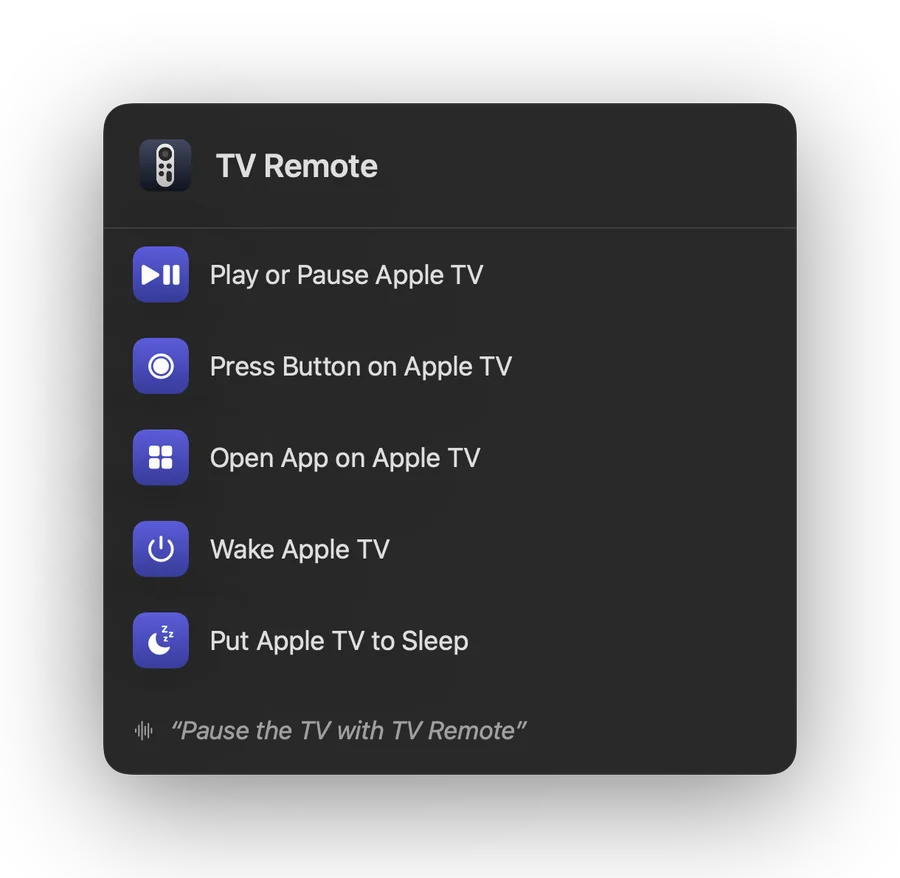
Shortcuts and Siri
Your TV, by voice.
Play, pause, open apps, wake and sleep your TV from Shortcuts or with Siri.
- Play or pause
- Open an app on Apple TV
- Wake and sleep the TV
Getting started
Pair once.
Control forever.
- 01
Find your Apple TV
TV Remote finds the Apple TV on the same network as your Mac.
- 02
Enter the code
Type the four-digit code shown on your TV.
- 03
Pick favorites
Choose four apps for the favorite buttons.
- 04
Take control
Open the remote from the menu bar or with ⌥⌘R.
Privacy
Your TV.
Your network.
No account
No sign-up, no login.
No tracking
No analytics, no ads. We know nothing about you.
Direct and encrypted
Your Apple TV is controlled directly on your local network over an encrypted connection. Pairing keys stay on your Mac.
FAQ
Questions
& answers.
Which Apple TV models work?
Apple TV HD and Apple TV 4K with a recent tvOS, on the same network as your Mac.
Can it mirror my screen?
macOS turns on mirroring itself; TV Remote takes you there in one click.
Does it collect any data?
No. There are no accounts and no analytics. Pairing keys stay on your Mac.
What do I need?
A Mac with macOS 14 or later and an Apple TV HD or 4K.
Is it made by Apple?
No. TV Remote is an independent app.
The remote you'll
never lose again.
TV Remote is coming to the Mac App Store. For macOS 14 and later.