
Ringtone Studio
Ringtone maker
Every song has
that perfect moment.
Turn any MP3 into a custom iPhone ringtone in seconds. Trim, preview on loop, add fades — then set it straight from the app.
- Free
- No account
- Works offline
30 s
max ringtone length
100 %
on-device processing
4+
for all ages
0
subscriptions
Features
Everything you need.
Nothing you don't.
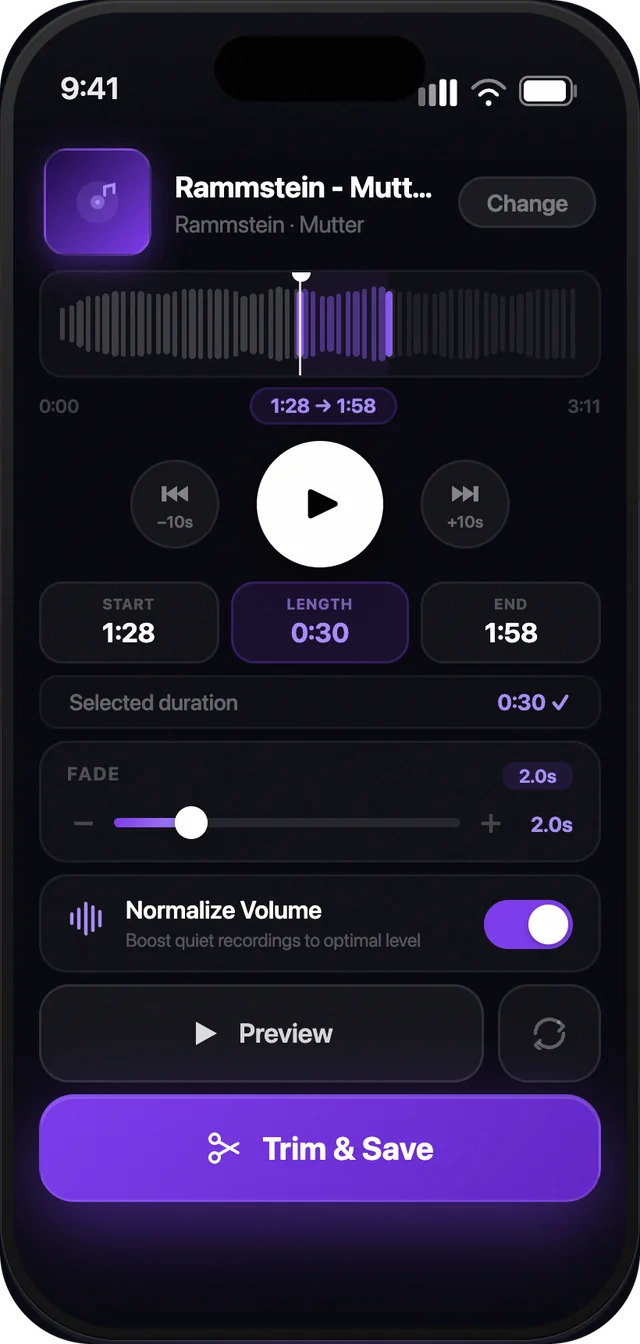
Real waveform
See the actual audio of your song — not a placeholder. Pinch to zoom in for frame-perfect trimming.
Precision trimming
Drag the handles to pick any 30-second clip. The length chip updates in real time.
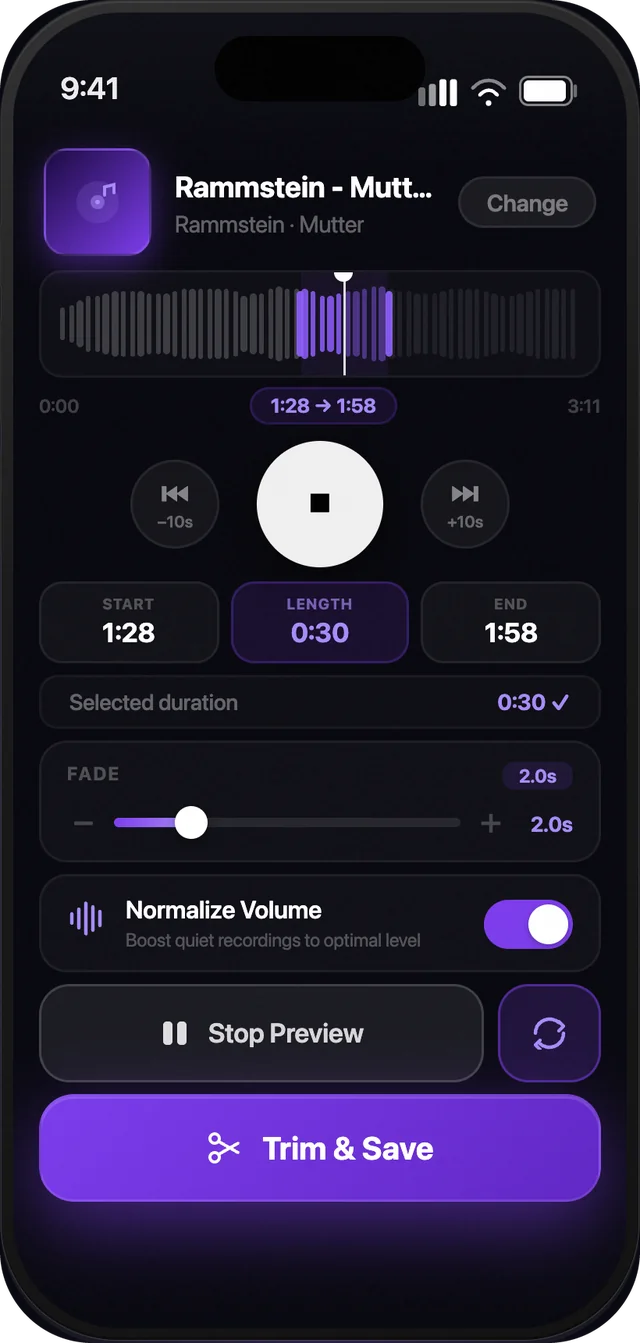
Loop preview
Play your selection on a loop while you adjust the handles. Hear every change instantly.
Smooth fades
One slider controls fade in and fade out together. No technical knowledge needed.
Normalize volume
Quiet recordings are boosted automatically, so your ringtone sounds great on the first ring.
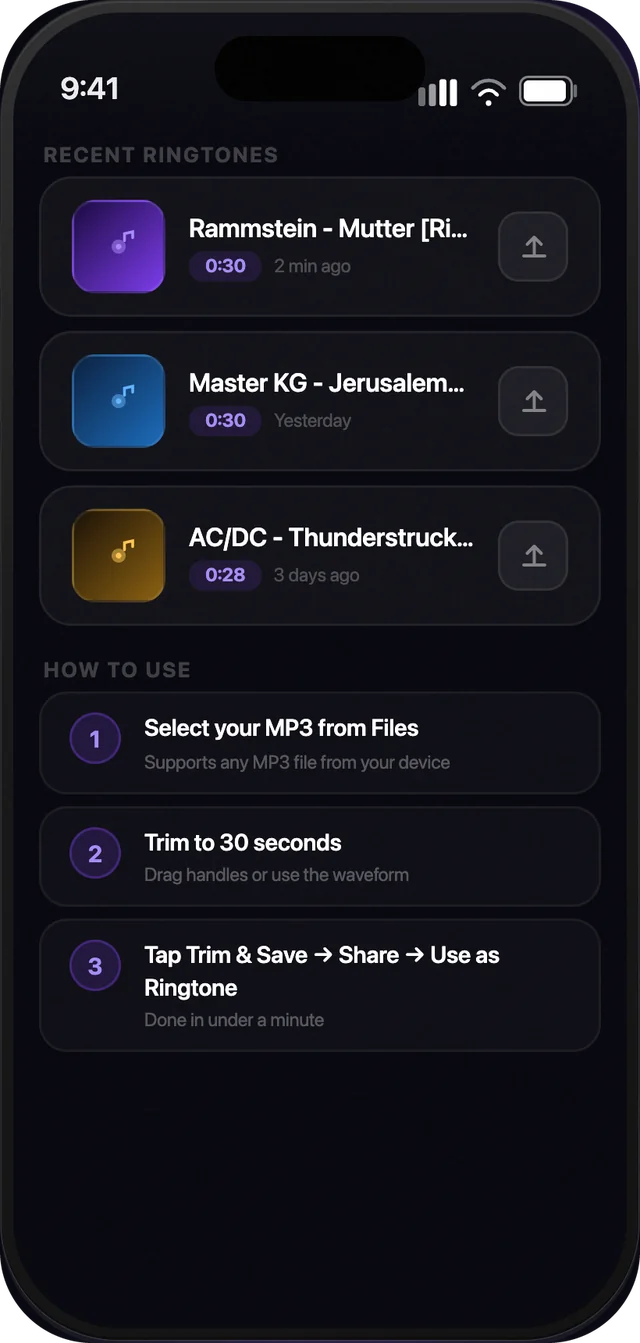
Ringtone history
Every saved ringtone stays in the History tab — ready to share or set again anytime.
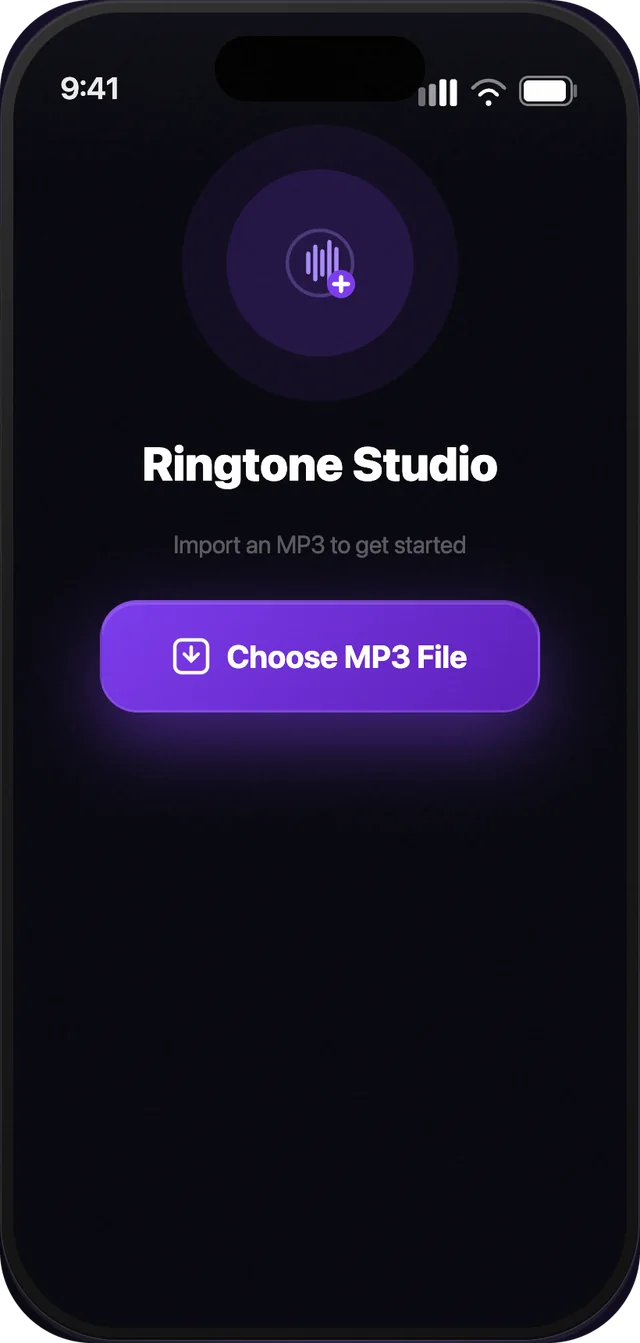
Import
Pick a song. That's it.
Tap “Choose MP3 File” and pick any MP3 from the Files app. The app can't see anything else.
- Uses the system file picker
- No account or sign-up
- Works without internet
Preview
Listen until it feels right.
Turn on loop and your selection keeps playing while you move the handles. Fine-tune fades and volume in one move.
- Loop while you edit
- Fade in and out with one slider
- Automatic volume normalization
Set it
Save. Share. Ring.
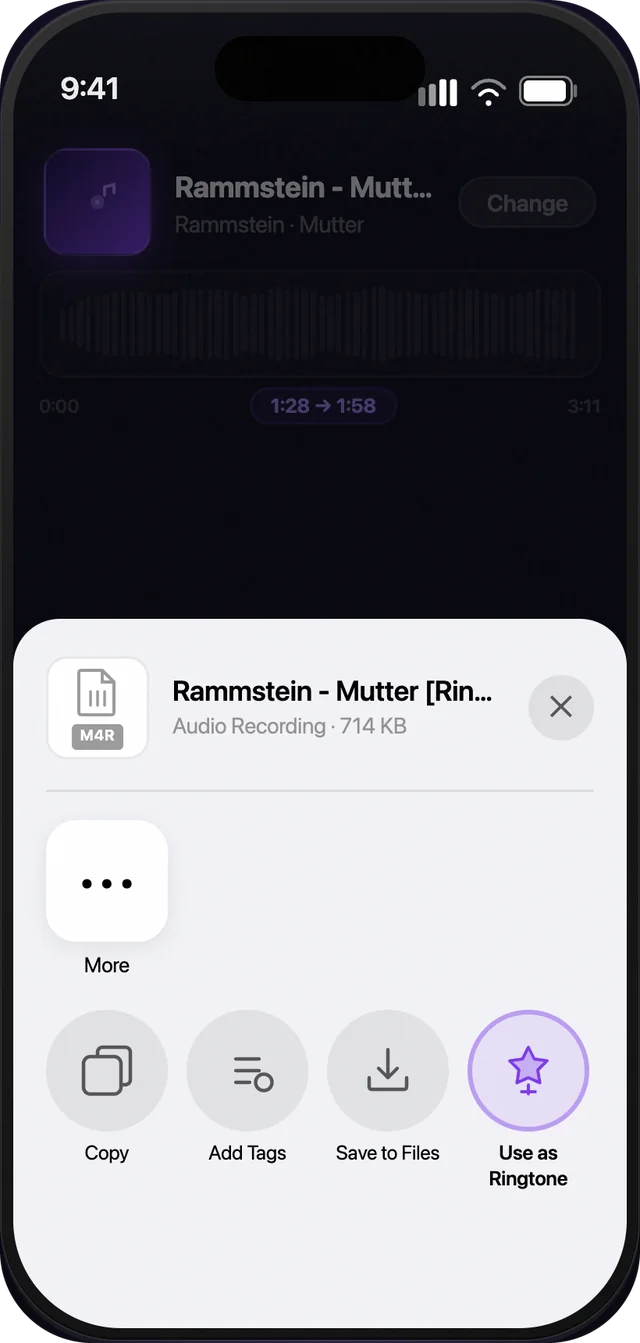
After “Trim & Save” your ringtone is stored as an .m4r file. Share → Use as Ringtone and your iPhone sets it immediately.
- The right .m4r format
- Set straight from the app
- Re-use anytime from History
How it works
From song to ringtone
in under a minute.
- 01
Import your MP3
Tap “Choose MP3 File” and pick a track from your Files app.
- 02
Trim to 30 seconds
Drag the waveform handles to select your clip. Pinch to zoom for precision.
- 03
Preview on loop
Hit Preview and enable loop. Adjust until it sounds exactly right.
- 04
Save & set
Tap Trim & Save, then Share → Use as Ringtone. Done.
Privacy
Your files never
leave your phone.
On-device
Audio is processed only on your iPhone. Nothing is uploaded to any server.
No tracking
No analytics, no ads, no third-party SDKs.
Only what you pick
The app opens just the file you choose. It doesn't scan anything else.
FAQ
Questions
& answers.
Why don't I see “Use as Ringtone” in the share sheet?
That option only appears for .m4r files. Tap Trim & Save first — it converts your MP3 to the right ringtone format. Sharing from History works too.
My ringtone is longer than 30 seconds — will it work?
iPhone supports ringtones up to 30 seconds. The app lets you trim up to 30 seconds and shows a ✓ when your selection is within the limit.
Can I use songs from Apple Music or Spotify?
No. Songs from streaming services are DRM-protected and can't be imported or trimmed. You can only use MP3 files stored in the Files app.
Where are my saved ringtones?
In the History tab. From there you can share or set any of them again at any time.
Does the app work offline?
Yes. Ringtone Studio works fully offline — all processing happens on your device.
Which languages does the app support?
The app interface is in English.
Make your phone
sound like you.
Free on the App Store. No account, no subscription — just your music, trimmed to perfection.