Tonearm
Offline music player
Your music.
Offline. Beautiful.
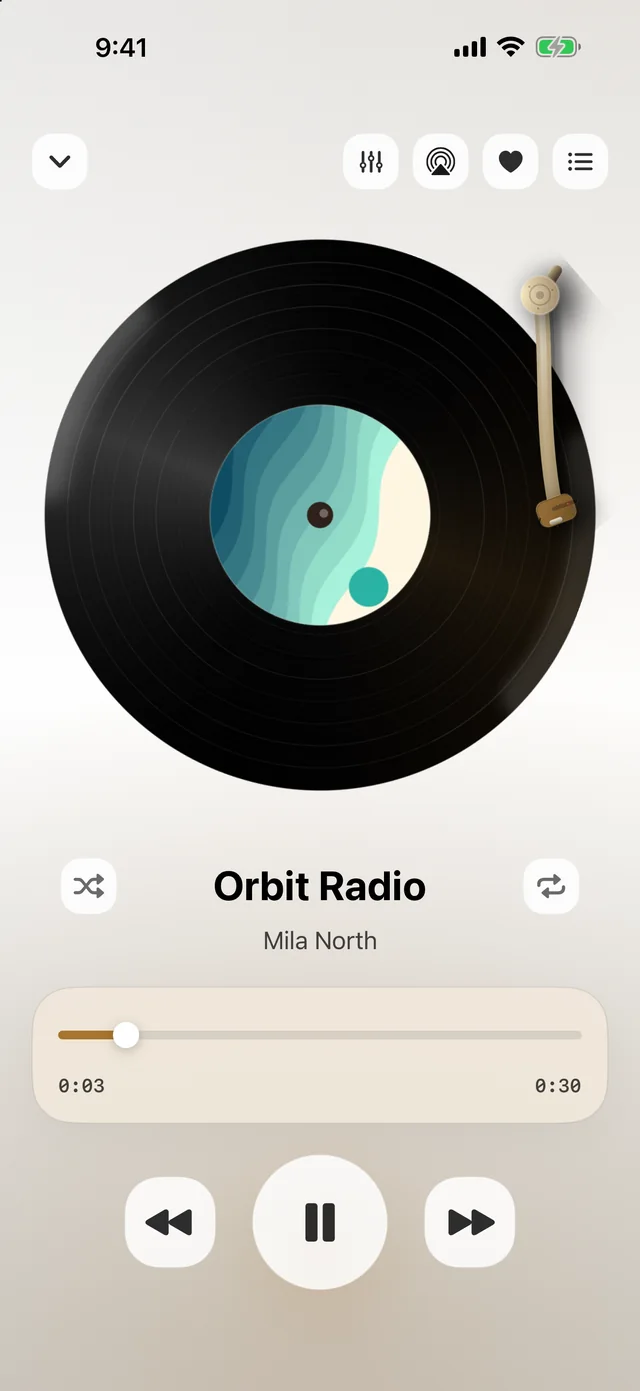
Tonearm plays the music you already own — on planes, trains and trails, wherever there’s no signal. A record‑player inspired player for your MP3, FLAC and ALAC files.
- No subscription
- No ads
- No account
7
audio formats
12 s
max crossfade
0
data collected
0
subscriptions
Everything you need
A real player.
Not a file browser.
Lossless ready
FLAC, ALAC, WAV and AIFF play bit‑perfect, next to MP3 and AAC.
Gapless & crossfade
Albums play without gaps, everything else blends smoothly.
Sound Check
Even loudness from ReplayGain tags or Tonearm’s own analysis.
Lock Screen
Full‑screen cover art, controls and Control Center buttons.
Widgets & Siri
Home Screen widget and Shortcuts: “Play Evening Drive in Tonearm”.
AirPlay 2
Send music to multi‑room speakers and Apple TV.
Long recordings
Mixes and audiobooks remember where you stopped, with ±15 s skips.
iPhone & iPad
Light and dark mode, and a sidebar on iPad.
Your library
Organized by itself.
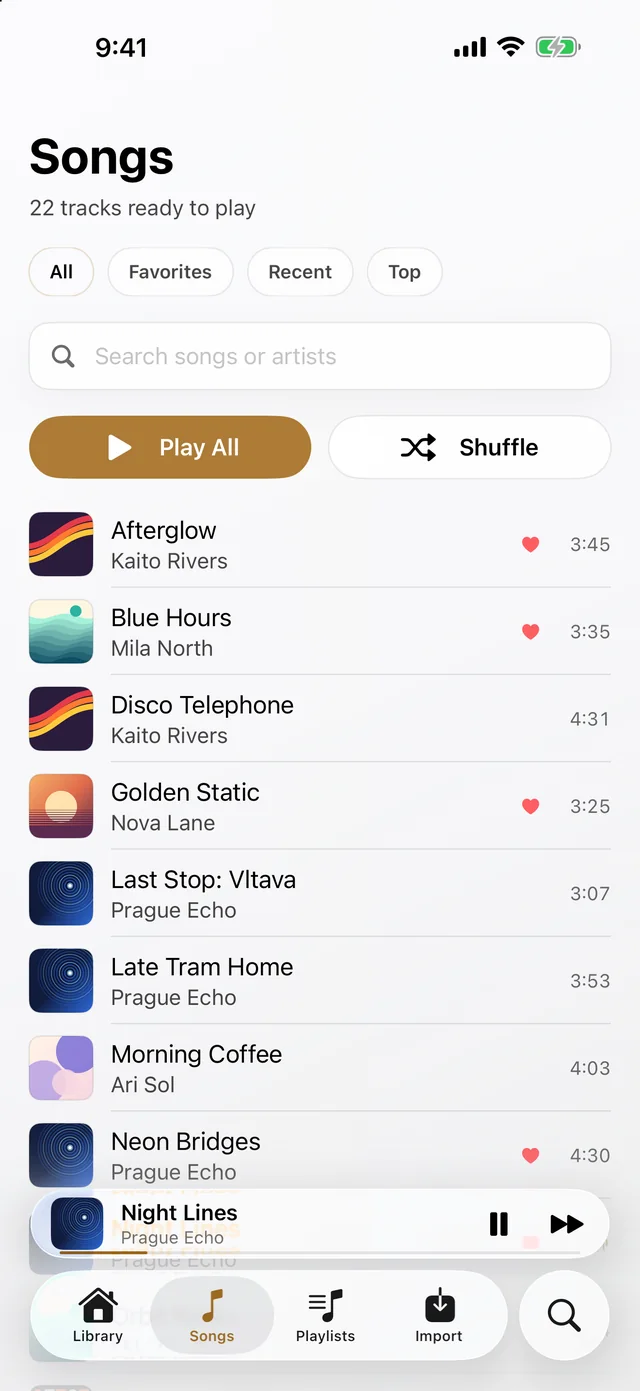
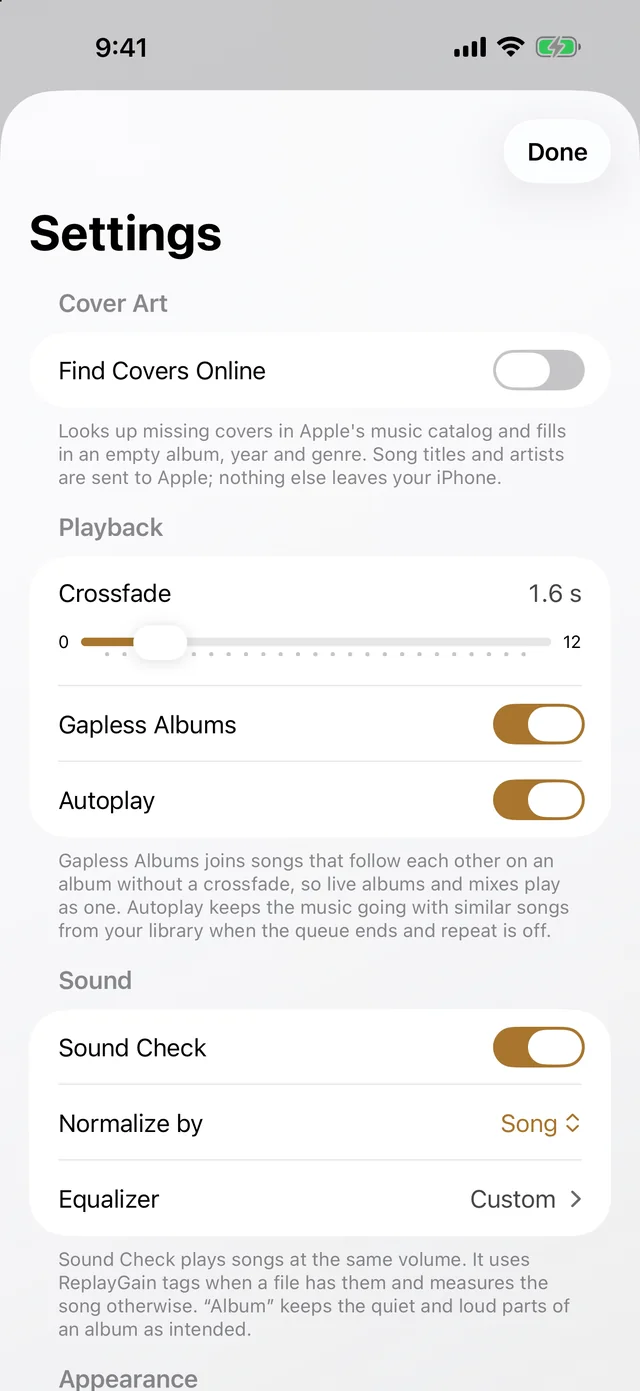
Albums, artists and genres are built from the tags in your files. Embedded cover art shows up instantly, and missing covers can be found online with one switch.
- Smart playlists: Recently Added, Recently Played, Top 25
- Your own playlists and Favorites
- Swipe actions and instant search
Seamless playback
Gapless albums. Silky crossfades.
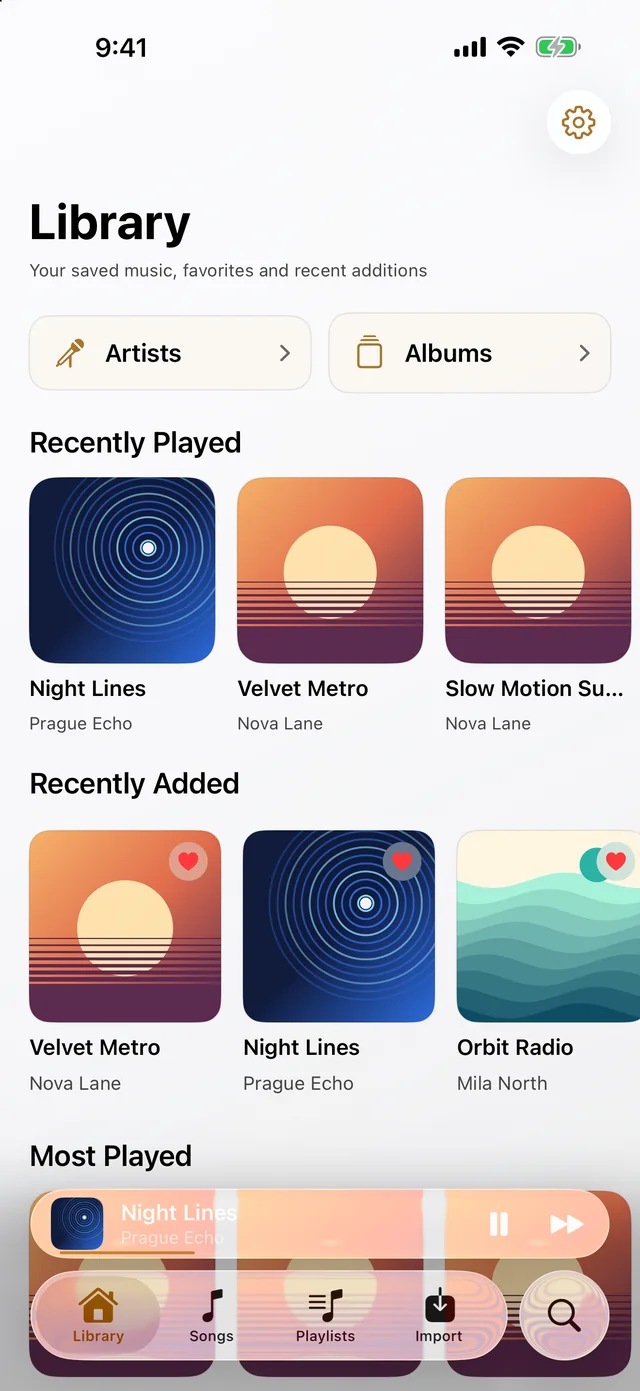
Songs that follow each other on an album play without a gap, so live records and DJ mixes flow as one. Everything else blends with a crossfade of up to 12 seconds.
- Up Next with Play Next and Play Later
- Smart shuffle that spreads out artists
- Autoplay keeps the music going
Tuned for you
Even volume. Your sound.
Sound Check plays every song at the same loudness, using ReplayGain tags or its own analysis. Shape the sound with the built‑in equalizer.
- Track or album normalization
- Equalizer with presets
- 0.75–2× speed for long recordings
Getting started
Your files in.
Done in a minute.
- 01
Over Wi‑Fi
Switch on the Wi‑Fi server, open the address on any computer, enter the PIN and drag your files in. No cables, nothing to install.
- 02
From Files
Import from the Files app, iCloud Drive or a USB drive — single songs or whole albums at once.
- 03
From a link
Paste a direct link to an MP3 or M4A file and Tonearm saves it to your library.
Private by design
Your music never
leaves your device.
No account
Open the app and play. Nothing to sign up for.
No tracking
No analytics, no ads, no third‑party SDKs. Data Not Collected.
PIN‑protected Wi‑Fi
The upload server runs only when you switch it on and turns itself off when idle.
FAQ
Questions
& answers.
Does Tonearm stream music?
No. Tonearm plays audio files that are stored on your iPhone or iPad. It works completely offline and does not download music from streaming services.
Which formats are supported?
MP3, AAC/M4A, ALAC, FLAC, WAV, AIFF and CAF — including lossless and hi‑res files.
How do I get my music into the app?
Over Wi‑Fi from any computer’s browser, from the Files app (including iCloud Drive and USB drives), or by pasting a direct link to an MP3 or M4A file.
How much does it cost?
Tonearm is a one-time purchase of $2.99 / €2.99 (the exact price depends on your country’s App Store). No subscription, no in-app purchases, no ads and no account — you pay once and it’s yours, on both iPhone and iPad.
Does it work on iPad?
Yes. Tonearm runs on iPhone and iPad with iOS / iPadOS 26.1 or later.
Which languages does the app support?
The app interface is in English. This website and the App Store page are also available in Czech.
Your music deserves
a better player.
$2.99 once — no subscription. On the App Store for iPhone and iPad.